This trick comes in handy when you’re trying to do some calculations from data that are located in different excel worksheets.
Let’s look at an example:
1. You have 5 and 6 laid out in cell A1 and B1 on sheet 1
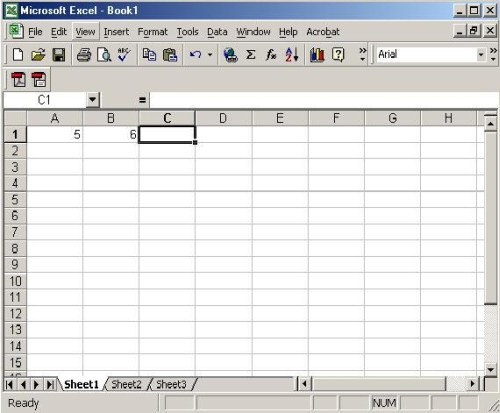
2. Worksheet 2 has 5 and 6 in cells B1 and B2 respectively.

3. To place the sum of the 4 cells in cell C3 of Worksheet2:
* Click on C3
* Type in: =SUM((Sheet1!A1+Sheet1!B1)+SUM(Sheet2!B1:B2))

4. The result will be that cell C3 in worksheet2 will have the sum.

The real trick is to use the worksheet name in your excel formula. Study step 3 and you’ll get what I meant. In this case, the worksheet names were sheet1 and sheet2. If you have different worksheet names, change accordingly in your formula.
That’s it. Have fun!
Leave a Reply